The Ultimate Guide to CPU Cooling: Keeping Your Processor Running Cool and Efficient
In the world of high-performance computing, the CPU (Central Processing Unit) stands as the brain of your system. As CPUs become more powerful and compact, they generate an increasing amount of heat. Effective CPU cooling is no longer an optional consideration; it’s a critical requirement for maintaining system stability, maximizing performance, and extending the lifespan of your valuable components.
This comprehensive guide delves into the world of CPU cooling, exploring the various types of cooling systems available, their pros and cons, and how to choose the best option for your specific needs.
Why is CPU Cooling So Important?
Before diving into the specifics of cooling solutions, it’s crucial to understand why CPU cooling is so vital:
- Preventing Thermal Throttling: CPUs are designed to operate within a specific temperature range. When a CPU gets too hot, it will automatically reduce its clock speed to prevent damage. This process, known as thermal throttling, significantly impacts performance, leading to lag, stuttering, and overall reduced responsiveness.
- Ensuring System Stability: Excessive heat can cause system instability, leading to crashes, freezes, and data corruption. Consistent and effective cooling helps maintain a stable operating environment, ensuring reliable performance.
- Extending Component Lifespan: High temperatures can degrade the lifespan of electronic components, including the CPU itself. Over time, prolonged exposure to heat can cause premature failure, costing you money and downtime.
- Enabling Overclocking: Overclocking involves pushing the CPU beyond its rated clock speed to achieve higher performance. However, overclocking generates even more heat, making a robust cooling solution essential for stable and reliable overclocking.
- Reducing Noise: Efficient cooling allows fans to operate at lower speeds, reducing noise levels and creating a more pleasant computing experience.
Types of CPU Cooling Systems
There are primarily two main types of CPU cooling systems: air coolers and liquid coolers. Each has its own set of advantages and disadvantages.
1. Air Coolers
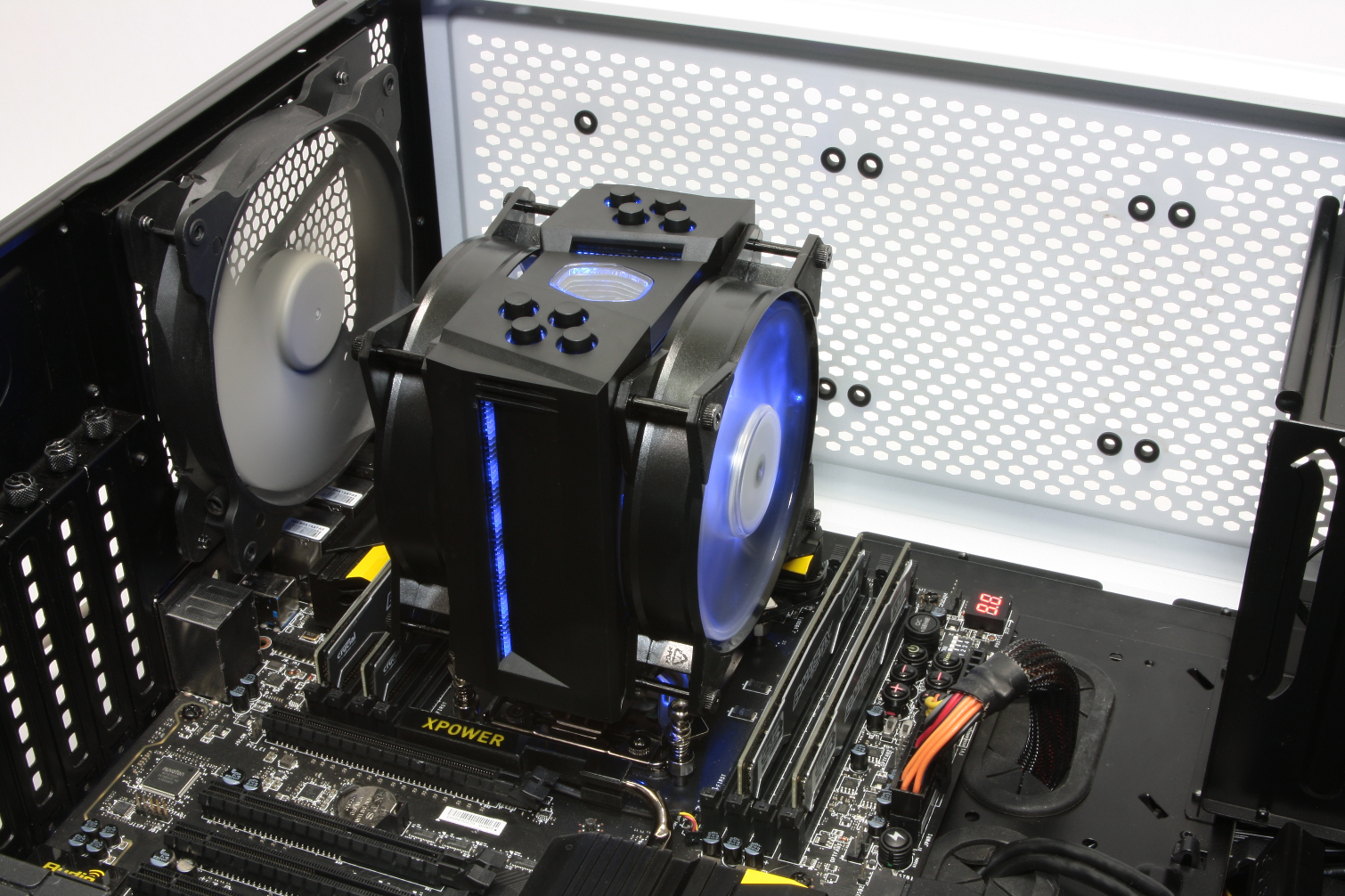
Air coolers are the most common type of CPU cooling system. They consist of a heatsink, typically made of aluminum or copper, with fins to increase the surface area for heat dissipation. A fan is attached to the heatsink to force air through the fins, carrying heat away from the CPU.
-
Pros:
- Cost-Effective: Air coolers are generally less expensive than liquid coolers.
- Simple Installation: Air coolers are relatively easy to install, with straightforward mounting mechanisms.
- Reliability: Air coolers have fewer moving parts compared to liquid coolers, making them more reliable and less prone to failure.
- Low Maintenance: Air coolers require minimal maintenance, typically just occasional dusting to remove accumulated dust.
- Wide Availability: Air coolers are widely available in a variety of sizes, designs, and performance levels.
-
Cons:
- Size and Clearance: High-performance air coolers can be quite large, potentially interfering with other components in the case, such as RAM modules or expansion cards.
- Noise: Air coolers can be noisy, especially at high fan speeds.
- Performance Limitations: Air coolers may not be able to provide sufficient cooling for heavily overclocked CPUs or high-TDP processors.
- Aesthetics: Some users may find the appearance of large air coolers less appealing than liquid coolers.
Types of Air Coolers:
- Stock Coolers: These are the basic coolers that come with the CPU. They are usually adequate for non-overclocked systems but may struggle with high-TDP processors.
- Tower Coolers: These are larger coolers with a vertical tower design. They offer better cooling performance than stock coolers and are suitable for moderate overclocking.
- Low-Profile Coolers: These coolers are designed for small form factor (SFF) systems where space is limited. They offer decent cooling performance in a compact package.
2. Liquid Coolers
Liquid coolers, also known as water coolers, use a liquid coolant to transfer heat away from the CPU. They consist of a CPU block (which sits on the CPU), a pump, a radiator, and fans. The liquid coolant circulates through the CPU block, absorbing heat, and then flows to the radiator, where the heat is dissipated by the fans.
-
Pros:
- Superior Cooling Performance: Liquid coolers generally offer better cooling performance than air coolers, especially for heavily overclocked CPUs or high-TDP processors.
- Lower Noise Levels: Liquid coolers can be quieter than air coolers, as the fans can operate at lower speeds while still providing effective cooling.
- Improved Aesthetics: Liquid coolers can enhance the aesthetics of a system, especially those with RGB lighting.
- Space Efficiency: Some liquid coolers, particularly all-in-one (AIO) coolers, can be more space-efficient than large air coolers.
-
Cons:
- Higher Cost: Liquid coolers are generally more expensive than air coolers.
- Complex Installation: Liquid coolers can be more complex to install than air coolers, requiring careful planning and routing of tubing.
- Potential for Leaks: Liquid coolers have the potential for leaks, which can damage other components in the system. However, modern AIO coolers are generally very reliable and leak-resistant.
- Maintenance: Liquid coolers may require occasional maintenance, such as topping up the coolant or cleaning the radiator.
- Pump Failure: The pump is a critical component of a liquid cooler, and pump failure can lead to overheating and system damage.
Types of Liquid Coolers:
- All-in-One (AIO) Coolers: These are self-contained liquid coolers that are pre-assembled and ready to install. They are the most popular type of liquid cooler due to their ease of use and reliability.
- Custom Loop Coolers: These are more advanced liquid cooling systems that allow users to customize the loop with different components, such as CPU blocks, GPU blocks, radiators, and reservoirs. Custom loop coolers offer the best cooling performance but require more expertise and maintenance.
Choosing the Right CPU Cooler
Selecting the best CPU cooler for your needs depends on several factors:
- CPU TDP (Thermal Design Power): The TDP of your CPU indicates the amount of heat it generates. Choose a cooler that is rated to handle the TDP of your CPU.
- Overclocking: If you plan to overclock your CPU, you will need a more powerful cooler to handle the increased heat.
- Case Size and Clearance: Ensure that the cooler will fit inside your case and will not interfere with other components.
- Noise Level: Consider the noise level of the cooler, especially if you are sensitive to noise.
- Budget: Set a budget for your CPU cooler and choose the best option within your price range.
- Aesthetics: If aesthetics are important to you, choose a cooler that complements the overall look of your system.
Tips for Optimizing CPU Cooling
- Apply Thermal Paste Properly: Use a high-quality thermal paste and apply it correctly to ensure good contact between the CPU and the cooler.
- Ensure Proper Airflow: Make sure your case has adequate airflow to remove heat from the system. Use case fans to create a positive pressure environment, where more air is being pushed into the case than being pulled out.
- Clean Your Cooler Regularly: Dust can accumulate on the heatsink and fans, reducing their cooling efficiency. Clean your cooler regularly with compressed air or a soft brush.
- Monitor CPU Temperatures: Use monitoring software to keep an eye on your CPU temperatures and ensure that they are within safe limits.
- Consider Delidding: Delidding involves removing the integrated heat spreader (IHS) from the CPU and replacing the thermal paste underneath with a higher-quality compound. This can significantly improve cooling performance but is a risky procedure that can damage the CPU.
Conclusion
Effective CPU cooling is essential for maintaining system stability, maximizing performance, and extending the lifespan of your components. Whether you choose an air cooler or a liquid cooler, it’s important to select a cooling system that is appropriate for your CPU, your overclocking plans, and your budget. By following the tips outlined in this guide, you can ensure that your CPU stays cool and performs at its best.